

Introduction
Photo albums, a lightbox, and a carousel for Nuxt. Server-rendered layout from known image sizes, one photo shape for every component, and which component to use.
Nuxt Photo renders photo albums and a carousel, and opens them in an accessible lightbox. It lays out each album on the server from the image sizes you already know, so the page does not jump while images load.
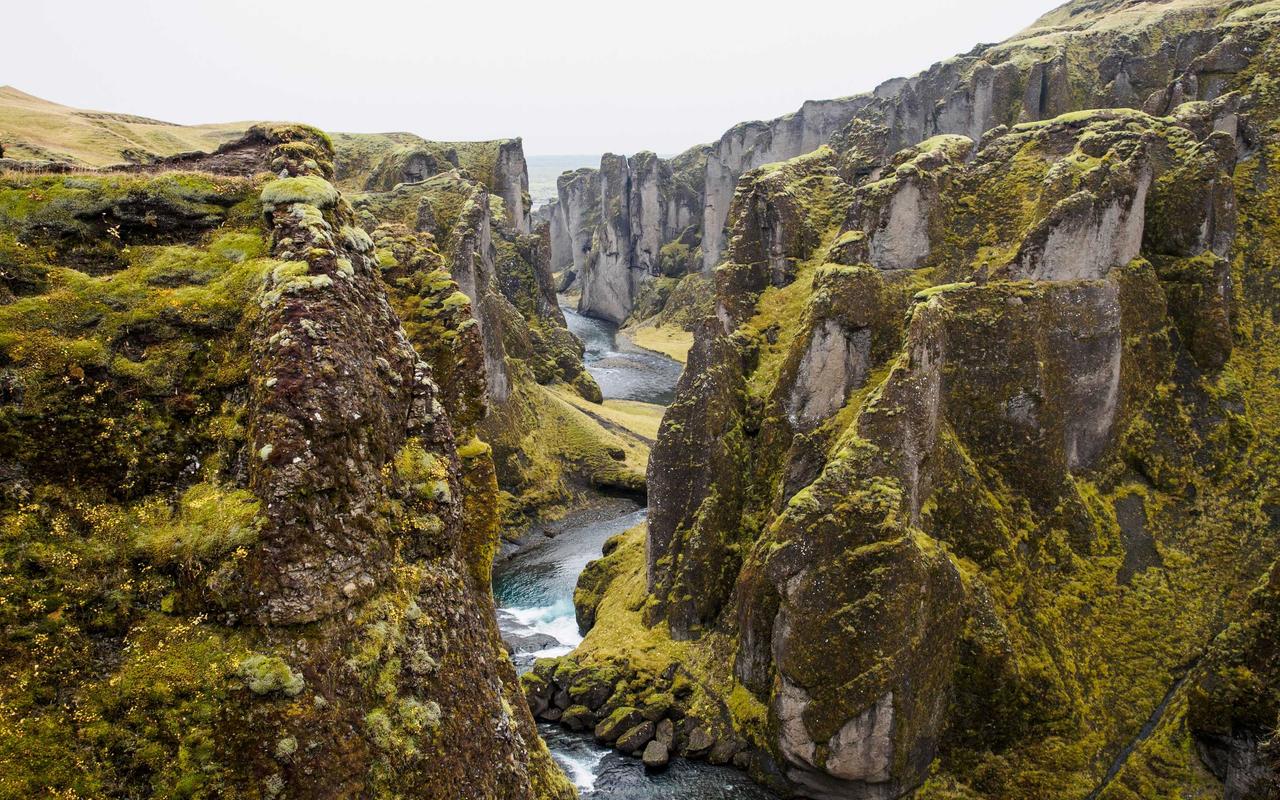
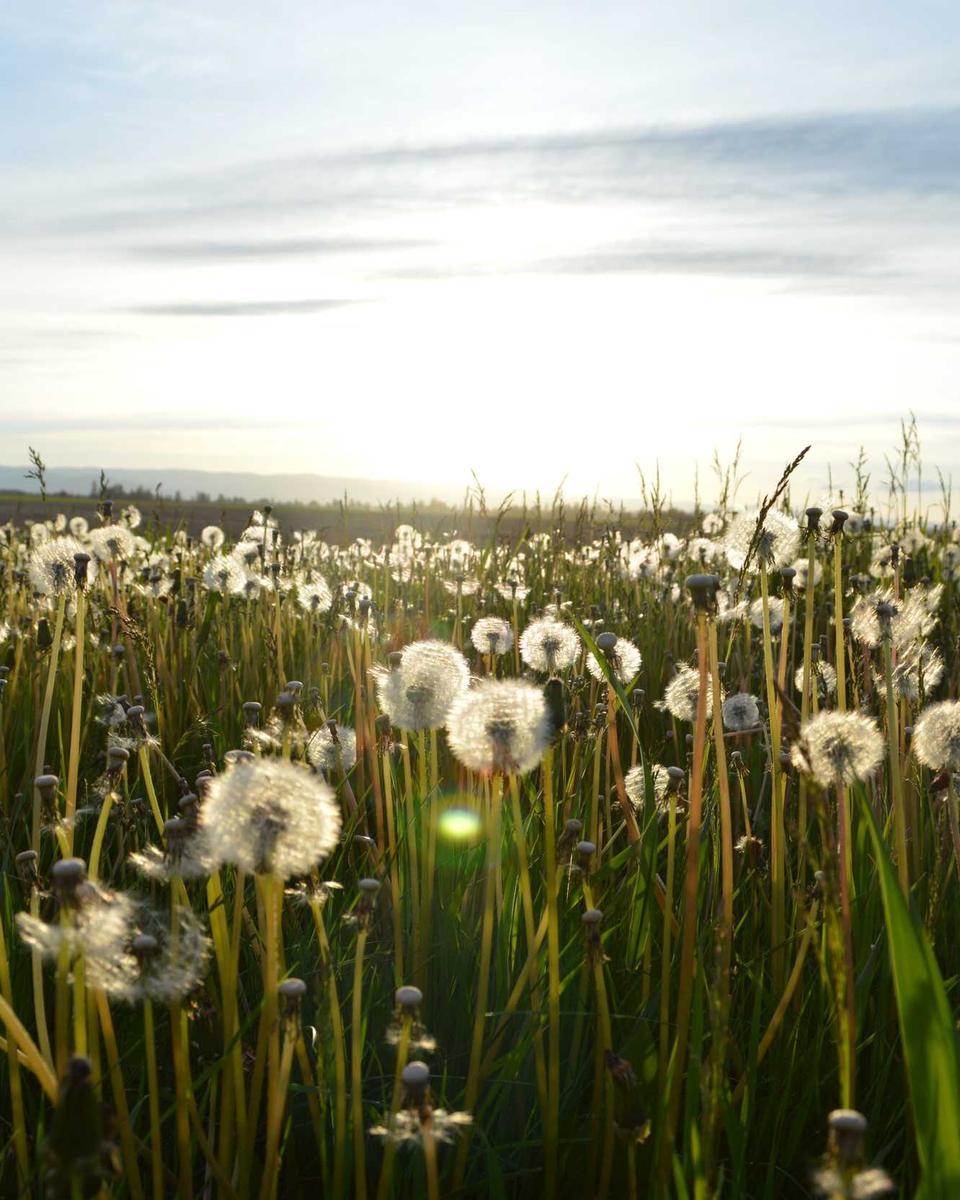

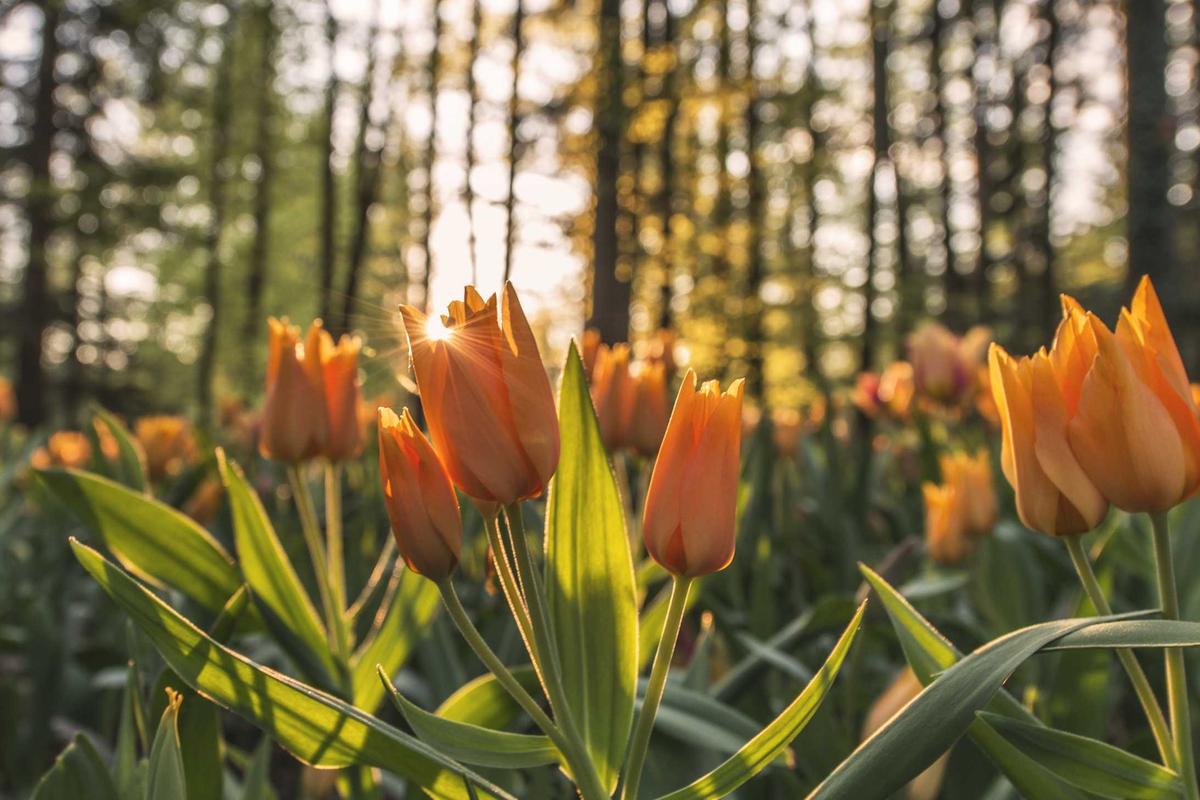

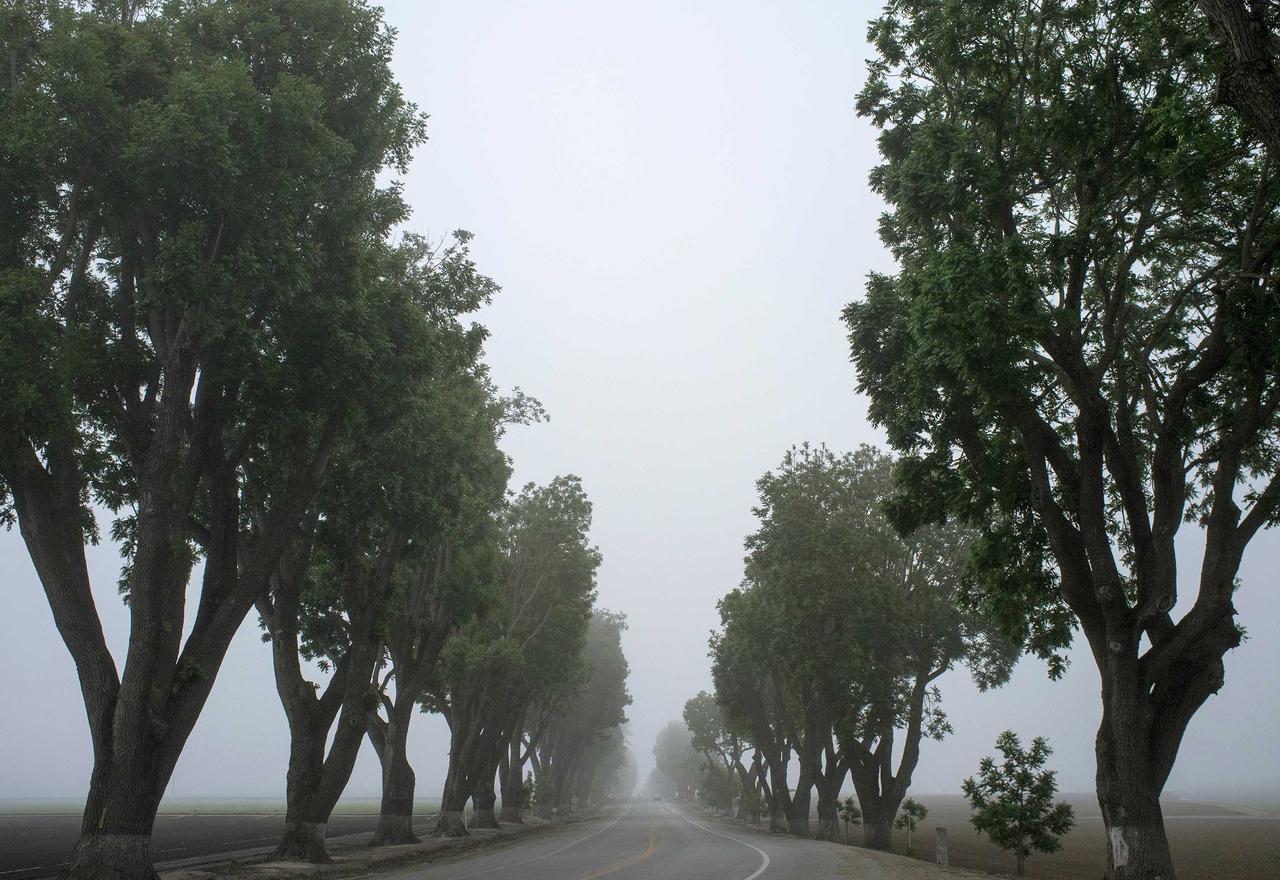
Select a photo. Try the arrow keys, a click to zoom, and Escape: focus
returns to the photo you were viewing.
Pick a component
All components take the same photo data and are registered for you in Nuxt.
| You need | Use | Lightbox |
|---|---|---|
| A gallery in rows, columns, or masonry | <PhotoAlbum> | On by default |
| One photo, such as a cover | <Photo> | Add lightbox |
| Several sections with one lightbox order | <PhotoGroup> around albums/photos | On by default |
| Horizontal browsing with thumbnails | <PhotoCarousel> | Add :lightbox="true" |
| Your own thumbnail layout or viewer | <LightboxProvider> and primitives | You compose it |
<PhotoAlbum :photos="photos" />
<Photo :photo="cover" lightbox />
<PhotoCarousel :photos="photos" :lightbox="true" />
Most apps need only PhotoAlbum. Change its look with props, CSS variables,
and slots before you reach for the lower-level components.
What you provide
Each photo is a plain object. Four fields are required:
const photo: PhotoItem = {
  id: 'moss-canyon', // stable and unique, not the array index
  src: '/photos/moss-canyon.jpg',
  width: 1280, // real pixel size of the image file
  height: 853,
}
Nuxt Photo does not measure images in the browser, because that would delay the layout until every image has downloaded. Store the sizes when you upload or import images; Use your own photos shows how.
When to use something else
- A plain CSS grid is enough when nobody needs a lightbox, zoom, or rows that fill the width.
- Use a media viewer such as lightGallery when you need video or plugins. Nuxt Photo 1.0 shows photos only.
Compare gallery approaches covers PhotoSwipe, lightGallery, Nuxt Image, and a custom stack.