

Examples
Complete, copyable components that run on the page - portfolio grid with captions and crossfade, photos in an article, product carousel, Tailwind lightbox, custom caption and counter, and a custom viewer.
Each example runs on this page with the real package. The code under it is the
same file, so you can copy it unchanged. Every example takes a photos prop:
pass your own PhotoItem[].
Portfolio grid
Columns with a caption under each photo. The column count follows the container width, and the lightbox crossfades between photos.
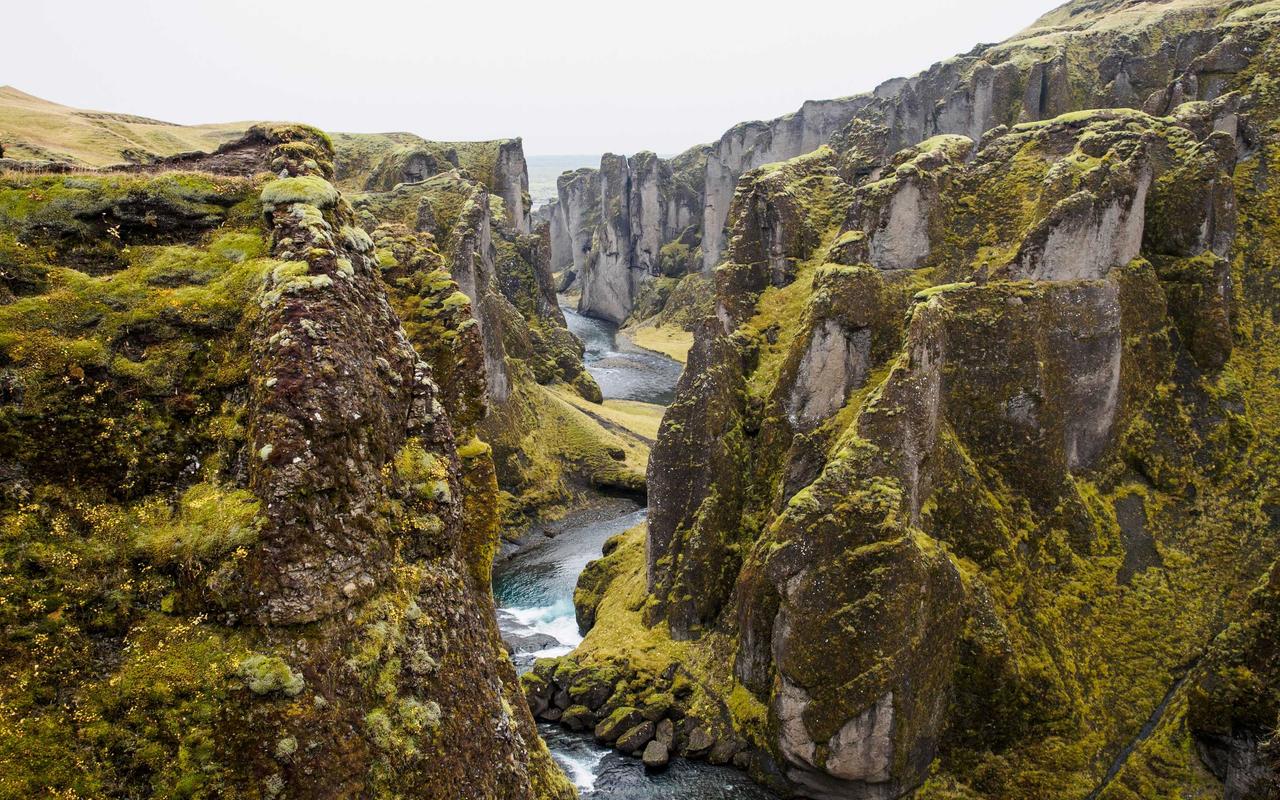
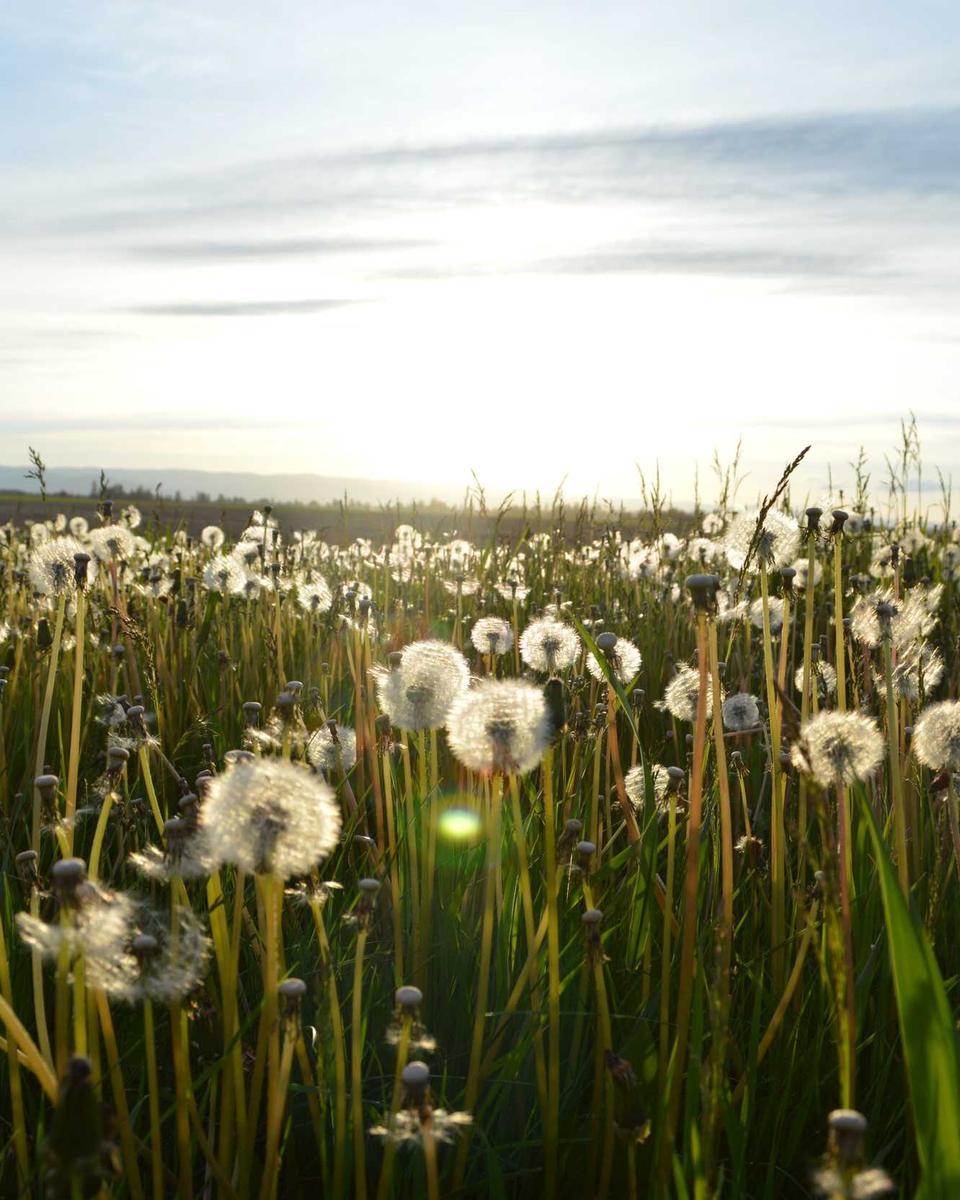



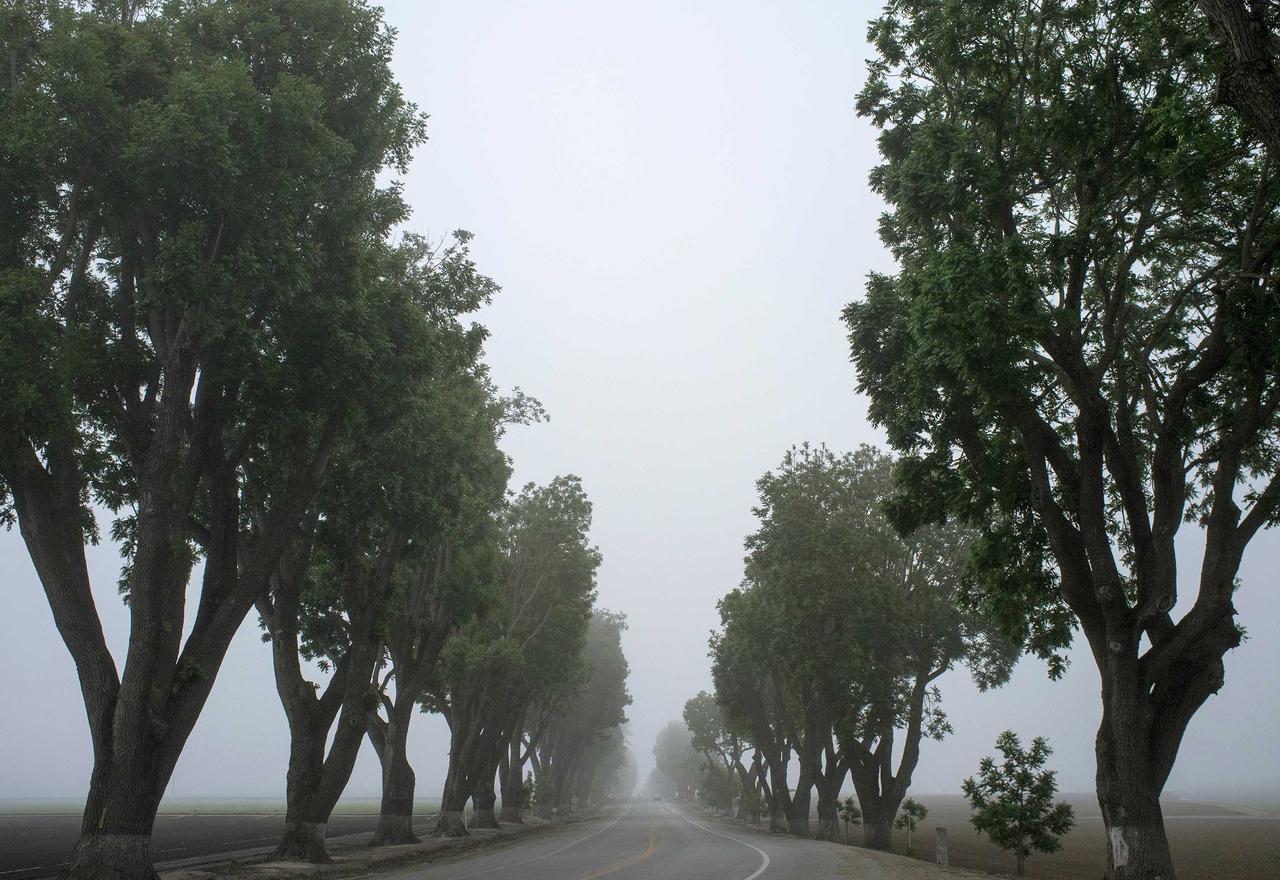
<script setup lang="ts">
import { PhotoAlbum, PhotoImage, responsive, type PhotoItem } from '@lupinum/nuxt-photo/app'

defineProps<{ photos: PhotoItem[] }>()
</script>

<template>
  <PhotoAlbum
    :photos="photos"
    :layout="{ type: 'columns', columns: responsive({ 0: 2, 480: 3 }) }"
    :spacing="responsive({ 0: 12, 640: 20 })"
    :lightbox="{ navigation: 'crossfade' }"
  >
    <template #thumbnail="{ photo, hidden, sizes, priority }">
      <figure class="work" :class="{ 'work--hidden': hidden }">
        <PhotoImage
          :photo="photo"
          context="thumb"
          :sizes="sizes"
          :priority="priority"
          class="work__image"
        />
        <figcaption class="work__caption">{{ photo.caption }}</figcaption>
      </figure>
    </template>
  </PhotoAlbum>
</template>

<style scoped>
.work {
  margin: 0;
}

.work__image {
  display: block;
  width: 100%;
  height: auto;
  border-radius: 6px;
  transition: opacity 200ms ease;
}

.work:hover .work__image {
  opacity: 0.88;
}

.work__caption {
  margin-top: 8px;
  font-size: 14px;
  font-weight: 500;
}

/* The lightbox animates this photo; hide the caption so it does not sit alone. */
.work--hidden .work__caption {
  visibility: hidden;
}
</style>
Photos in an article
A lead photo and an album share one PhotoGroup, so the lightbox moves through
all photos of the article in one order.
A slow week in the hills

We walked the ridge every morning before the heat. The grass turned amber by evening, and the old stones in the meadow made a good place to rest.


Open any photo: the arrows move through the whole article, not only one block.
<script setup lang="ts">
import { computed } from 'vue'
import { Photo, PhotoAlbum, PhotoGroup, type PhotoItem } from '@lupinum/nuxt-photo/app'

const props = defineProps<{ photos: PhotoItem[] }>()

// One group owns the order, so the lightbox moves through every photo on the page.
const lead = computed(() => props.photos[0])
const details = computed(() => props.photos.slice(1))
</script>

<template>
  <PhotoGroup :photos="photos" :lightbox="{ navigation: 'fade' }">
    <article class="article">
      <h3>A slow week in the hills</h3>
      <Photo v-if="lead" :photo="lead" class="article__lead" />
      <p>
        We walked the ridge every morning before the heat. The grass turned amber by evening, and
        the old stones in the meadow made a good place to rest.
      </p>
      <PhotoAlbum :photos="details" :layout="{ type: 'rows', targetRowHeight: 140 }" :spacing="8" />
      <p>Open any photo: the arrows move through the whole article, not only one block.</p>
    </article>
  </PhotoGroup>
</template>

<style scoped>
.article {
  max-width: 620px;
  margin: 0 auto;
  line-height: 1.65;
}

.article h3 {
  margin: 0 0 16px;
  font-size: 22px;
  font-weight: 600;
  letter-spacing: -0.01em;
}

.article p {
  margin: 16px 0;
  opacity: 0.8;
}

.article__lead :deep(img) {
  border-radius: 8px;
}
</style>
Product carousel
A carousel with thumbnails next to the product details. Select the large photo to open the lightbox.
Print, 50 × 70 cm
Moss Canyon
Archival pigment print on matte cotton paper. Swipe through the photos, or select one to see it large.
<script setup lang="ts">
import { PhotoCarousel, type PhotoItem } from '@lupinum/nuxt-photo/app'

defineProps<{ photos: PhotoItem[] }>()
</script>

<template>
  <div class="product">
    <PhotoCarousel
      :photos="photos"
      :controls="['arrows', 'thumbnails']"
      :lightbox="true"
      class="product__gallery"
    />
    <div class="product__details">
      <p class="product__eyebrow">Print, 50 × 70 cm</p>
      <h3>Moss Canyon</h3>
      <p>
        Archival pigment print on matte cotton paper. Swipe through the photos, or select one to see
        it large.
      </p>
    </div>
  </div>
</template>

<style scoped>
.product {
  display: grid;
  gap: 24px;
  align-items: start;
}

@media (min-width: 720px) {
  .product {
    grid-template-columns: minmax(0, 3fr) minmax(0, 2fr);
  }
}

.product__eyebrow {
  margin: 0;
  font-size: 13px;
  opacity: 0.7;
}

.product__details h3 {
  margin: 6px 0 12px;
  font-size: 24px;
  font-weight: 600;
  letter-spacing: -0.01em;
}

.product__details p:last-child {
  margin: 0;
  line-height: 1.6;
  opacity: 0.8;
}
</style>
Custom caption and counter
The built-in lightbox with its own counter, a two-line caption, and a wider mat around the photo.
<script setup lang="ts">
import { PhotoAlbum, type PhotoItem } from '@lupinum/nuxt-photo/app'
import CaptionLightbox from './CaptionLightbox.vue'

defineProps<{ photos: PhotoItem[] }>()
</script>

<template>
  <PhotoAlbum
    :photos="photos"
    :lightbox="{ component: CaptionLightbox }"
    :layout="{ type: 'rows', targetRowHeight: 150 }"
    :spacing="6"
  />
</template><script setup lang="ts">
import { Lightbox } from '@lupinum/nuxt-photo/app'
</script>
<template>
<!-- A wider mat on the sides, and room below for a two-line caption. -->
<Lightbox class="caption-lightbox">
<template #counter="{ activeIndex, count }">
<span class="caption-lightbox__counter">{{ activeIndex + 1 }} of {{ count }}</span>
</template>
<template #caption="{ photo, index }">
<p class="caption-lightbox__eyebrow">Frame {{ index + 1 }}</p>
<h2 v-if="photo?.caption" class="caption-lightbox__title">{{ photo.caption }}</h2>
<p v-if="photo?.description" class="caption-lightbox__text">{{ photo.description }}</p>
</template>
</Lightbox>
</template>
<style>
/* Both classes sit on the same element, so this wins over the theme defaults. */
.np-lightbox.caption-lightbox {
--np-frame-inset-inline: clamp(24px, 12vw, 200px);
--np-caption-reserve: 120px;
}
.caption-lightbox__counter {
color: #f4f3f0;
font-size: 13px;
letter-spacing: 0.04em;
}
.caption-lightbox__eyebrow {
color: #f4f3f0;
margin: 0 0 4px;
font-size: 11px;
letter-spacing: 0.12em;
text-transform: uppercase;
opacity: 0.6;
}
.caption-lightbox__title {
margin: 0;
font-size: 18px;
font-weight: 500;
}
.caption-lightbox__text {
margin: 4px 0 0;
font-size: 14px;
opacity: 0.75;
}
</style>Tailwind lightbox
A lightbox built from the lower-level components and styled only with Tailwind utilities. Your app needs Tailwind; see Style and theme.

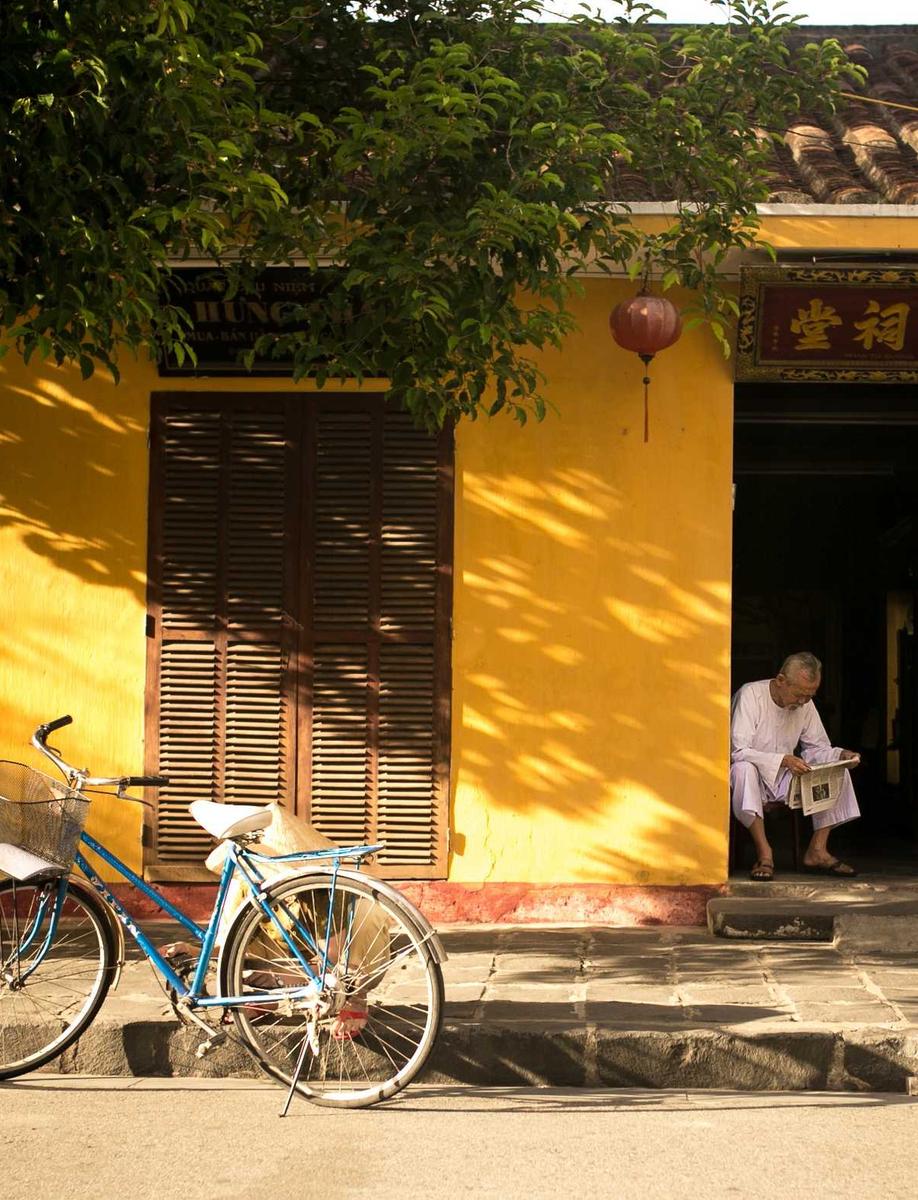

<script setup lang="ts">
import { PhotoAlbum, type PhotoItem } from '@lupinum/nuxt-photo/app'
import TailwindLightbox from './TailwindLightbox.vue'

defineProps<{ photos: PhotoItem[] }>()
</script>

<template>
  <PhotoAlbum
    :photos="photos"
    :lightbox="{ component: TailwindLightbox }"
    :layout="{ type: 'rows', targetRowHeight: 180 }"
    :spacing="6"
  />
</template><template>
<!--
The framed lightbox in Tailwind utilities. The mat comes from the three
--np-frame-inset-* variables; the runtime then publishes where the photo is
drawn as --np-frame-x/y/width/height, which place the label and arrows.
-->
<LightboxRoot
class="group fixed inset-0 z-50 text-stone-100 [--np-frame-inset-bottom:120px] [--np-frame-inset-inline:clamp(80px,7vw,120px)] [--np-frame-inset-top:72px] max-[699px]:[--np-frame-inset-bottom:108px] max-[699px]:[--np-frame-inset-inline:12px] max-[699px]:[--np-frame-inset-top:64px]"
role="dialog"
aria-modal="true"
aria-label="Photo viewer"
>
<LightboxOverlay class="absolute inset-0 overflow-hidden bg-stone-950">
<LightboxAmbient class="pointer-events-none absolute -inset-[8%] opacity-45" />
<div class="absolute inset-0 bg-stone-950/40" />
</LightboxOverlay>
<LightboxControls
class="pointer-events-none absolute inset-0 z-20"
v-slot="{
activeIndex,
count,
prev,
next,
close,
toggleZoom,
isZoomedIn,
zoomAllowed,
controlsDisabled,
}"
>
<div
class="absolute inset-x-4 top-4 flex items-center justify-between max-[699px]:inset-x-3 max-[699px]:top-3"
>
<span
class="pointer-events-auto flex h-[42px] items-center rounded-full border border-white/10 bg-stone-900/60 px-3.5 text-[13px] tabular-nums text-stone-200/80 backdrop-blur-md"
aria-hidden="true"
>
{{ activeIndex + 1 }} / {{ count }}
</span>
<div
class="pointer-events-auto flex gap-0.5 rounded-full border border-white/10 bg-stone-900/60 p-[3px] backdrop-blur-md"
>
<button
type="button"
:class="toolClass"
:aria-label="isZoomedIn ? 'Fit' : 'Zoom'"
:title="isZoomedIn ? 'Fit' : 'Zoom'"
:disabled="controlsDisabled || !zoomAllowed"
@click="toggleZoom()"
>
<svg viewBox="0 0 24 24" :class="iconClass" aria-hidden="true">
<circle cx="11" cy="11" r="6.5" />
<path v-if="isZoomedIn" d="M20 20l-4.2-4.2M8.5 11h5" />
<path v-else d="M20 20l-4.2-4.2M11 8.5v5M8.5 11h5" />
</svg>
</button>
<button type="button" :class="toolClass" aria-label="Close" title="Close" @click="close">
<svg viewBox="0 0 24 24" :class="iconClass" aria-hidden="true">
<path d="M6 6l12 12M18 6L6 18" />
</svg>
</button>
</div>
</div>
<button
type="button"
:class="[arrowClass, 'start-5']"
aria-label="Previous"
:disabled="controlsDisabled"
@click="prev"
>
<svg viewBox="0 0 24 24" :class="iconClass" aria-hidden="true">
<path d="M15 6l-6 6 6 6" />
</svg>
</button>
<button
type="button"
:class="[arrowClass, 'end-5']"
aria-label="Next"
:disabled="controlsDisabled"
@click="next"
>
<svg viewBox="0 0 24 24" :class="iconClass" aria-hidden="true">
<path d="M9 6l6 6-6 6" />
</svg>
</button>
</LightboxControls>
<LightboxViewport
v-slot="{ photos, viewportRef, isSlideMounted }"
class="absolute inset-0 z-10 touch-none"
>
<div class="absolute inset-0 overflow-hidden" :ref="viewportRef">
<div class="flex h-full touch-none">
<template v-for="(photo, i) in photos" :key="photo.id">
<LightboxSlide
v-if="isSlideMounted(i)"
:photo="photo"
:index="i"
class="grid min-w-0 flex-[0_0_100%] place-items-center [&_img]:rounded-md [&_img]:shadow-[0_30px_80px_rgb(0_0_0/0.45),0_2px_10px_rgb(0_0_0/0.35)] in-data-zoomed:[&_img]:rounded-none in-data-zoomed:[&_img]:shadow-none"
/>
<div v-else class="min-w-0 flex-[0_0_100%]" aria-hidden="true" />
</template>
</div>
</div>
</LightboxViewport>
<LightboxCaption
class="absolute z-20 top-[calc(var(--np-frame-y)+var(--np-frame-height)+14px)] left-[clamp(12px,var(--np-frame-x),calc(100vw-12px-var(--np-caption-w)))] w-(--np-caption-w) [--np-caption-w:min(max(var(--np-frame-width),320px),calc(100vw-24px))] transition-[top,left,width] duration-[380ms] ease-[cubic-bezier(0.16,1,0.3,1)] group-has-data-zoomed:invisible"
v-slot="{ photo }"
>
<Transition
mode="out-in"
enter-active-class="transition duration-300 ease-out"
enter-from-class="translate-y-1 opacity-0"
leave-active-class="transition-opacity duration-75"
leave-to-class="opacity-0"
>
<div :key="photo?.id ?? 'none'">
<h2
v-if="photo?.caption"
class="text-[17px] leading-snug font-medium tracking-tight text-balance"
>
{{ photo.caption }}
</h2>
<p
v-if="photo?.description"
class="mt-1 line-clamp-2 text-sm leading-normal text-stone-300/70"
>
{{ photo.description }}
</p>
</div>
</Transition>
</LightboxCaption>
</LightboxRoot>
</template>
<script setup lang="ts">
import {
LightboxAmbient,
LightboxCaption,
LightboxControls,
LightboxOverlay,
LightboxRoot,
LightboxSlide,
LightboxViewport,
} from '@lupinum/nuxt-photo/app'
const iconClass =
'size-5 fill-none stroke-current stroke-[1.75] [stroke-linecap:round] [stroke-linejoin:round]'
const toolClass =
'grid size-9 place-items-center rounded-full text-stone-100 transition hover:bg-white/10 focus-visible:outline-2 focus-visible:outline-offset-2 focus-visible:outline-stone-100 active:scale-95 disabled:opacity-35'
const arrowClass =
'pointer-events-auto fixed top-0 grid size-11 translate-y-[calc(var(--np-frame-y)+var(--np-frame-height)/2-22px)] place-items-center rounded-full border border-white/10 bg-stone-900/60 text-stone-100 backdrop-blur-md transition-[translate,background-color,scale] duration-[420ms] ease-[cubic-bezier(0.16,1,0.3,1)] hover:bg-stone-800/80 focus-visible:outline-2 focus-visible:outline-offset-2 focus-visible:outline-stone-100 active:scale-95 disabled:opacity-35 max-[699px]:opacity-0 max-[699px]:[clip-path:inset(50%)] max-[699px]:focus-visible:opacity-100 max-[699px]:focus-visible:[clip-path:none]'
</script>Custom viewer in plain CSS
Your own markup and CSS. Nuxt Photo still handles gestures, zoom, keyboard, and focus.
<script setup lang="ts">
import {
  LightboxCaption,
  LightboxControls,
  LightboxOverlay,
  LightboxProvider,
  LightboxRoot,
  LightboxSlide,
  LightboxViewport,
  PhotoImage,
  PhotoTrigger,
  type PhotoItem,
} from '@lupinum/nuxt-photo/app'

defineProps<{ photos: readonly PhotoItem[] }>()
</script>

<template>
  <LightboxProvider :photos="photos">
    <div class="photo-viewer__thumbs">
      <PhotoTrigger
        v-for="(photo, index) in photos"
        :key="photo.id"
        v-slot="{ hidden }"
        :photo="photo"
        :index="index"
        class="photo-viewer__thumb"
      >
        <PhotoImage :photo="photo" context="thumb" :style="{ opacity: hidden ? 0 : 1 }" />
      </PhotoTrigger>
    </div>

    <LightboxRoot class="photo-viewer" role="dialog" aria-modal="true" aria-label="Photo viewer">
      <LightboxOverlay class="photo-viewer__backdrop" />

      <LightboxViewport
        v-slot="{ photos: slides, viewportRef, isSlideMounted }"
        class="photo-viewer__viewport"
      >
        <div :ref="viewportRef" class="photo-viewer__track-window">
          <div class="photo-viewer__track">
            <template v-for="(photo, index) in slides" :key="photo.id">
              <LightboxSlide
                v-if="isSlideMounted(index)"
                :photo="photo"
                :index="index"
                class="photo-viewer__slide"
              />
              <div v-else class="photo-viewer__slide" aria-hidden="true" />
            </template>
          </div>
        </div>
      </LightboxViewport>

      <LightboxControls
        v-slot="{ activeIndex, count, close, next, prev }"
        class="photo-viewer__controls"
      >
        <span class="photo-viewer__count">{{ activeIndex + 1 }} / {{ count }}</span>
        <div class="photo-viewer__buttons">
          <button type="button" @click="prev">Previous</button>
          <button type="button" @click="next">Next</button>
          <button type="button" @click="close">Close</button>
        </div>
      </LightboxControls>

      <!-- --np-frame-* say where the photo is drawn, so the caption sits right under it. -->
      <LightboxCaption v-slot="{ photo }" class="photo-viewer__caption">
        <strong v-if="photo?.caption">{{ photo.caption }}</strong>
        <span v-if="photo?.description">{{ photo.description }}</span>
      </LightboxCaption>
    </LightboxRoot>
  </LightboxProvider>
</template>

<!-- Not scoped: LightboxRoot renders into <body>, where scoped styles do not reach. -->
<style>
.photo-viewer__thumbs {
  display: grid;
  grid-template-columns: repeat(3, minmax(0, 1fr));
  gap: 8px;
}

.photo-viewer__thumb {
  display: block;
  aspect-ratio: 1;
  overflow: hidden;
  border-radius: 6px;
  cursor: zoom-in;
}

.photo-viewer__thumb img {
  width: 100%;
  height: 100%;
  object-fit: cover;
}

/* The mat: space kept free around the photo, above for the controls, below for the caption. */
.photo-viewer {
  position: fixed;
  inset: 0;
  z-index: 50;
  color: #f5f5f4;
  --np-frame-inset-top: 64px;
  --np-frame-inset-bottom: 96px;
  --np-frame-inset-inline: 24px;
}

.photo-viewer__backdrop {
  position: absolute;
  inset: 0;
  background: #111;
}

.photo-viewer__viewport,
.photo-viewer__track-window {
  position: absolute;
  inset: 0;
  overflow: hidden;
}

.photo-viewer__track {
  display: flex;
  height: 100%;
}

.photo-viewer__slide {
  display: grid;
  flex: 0 0 100%;
  min-width: 0;
  place-items: center;
}

/* A full-screen layer stays click-through; only its buttons take clicks. */
.photo-viewer__controls {
  position: absolute;
  inset: 0 0 auto;
  display: flex;
  align-items: center;
  justify-content: space-between;
  padding: 16px 20px;
  pointer-events: none;
}

.photo-viewer__count {
  font-size: 14px;
  font-variant-numeric: tabular-nums;
  opacity: 0.75;
}

.photo-viewer__buttons {
  display: flex;
  gap: 6px;
  pointer-events: auto;
}

.photo-viewer__buttons button {
  padding: 6px 12px;
  border: 1px solid rgb(255 255 255 / 0.2);
  border-radius: 999px;
  background: rgb(255 255 255 / 0.08);
  color: inherit;
  font: inherit;
  font-size: 14px;
  cursor: pointer;
}

.photo-viewer__caption {
  position: absolute;
  top: calc(var(--np-frame-y) + var(--np-frame-height) + 14px);
  left: var(--np-frame-x);
  display: grid;
  gap: 2px;
  width: var(--np-frame-width);
  font-size: 14px;
}

.photo-viewer__caption span {
  opacity: 0.7;
}
</style>