

Lightbox, gestures, and accessibility
Understand modal ownership, opening animation, input, focus, and reduced motion.
The included lightbox is a modal viewer. While open, it owns keyboard input, moves focus into the viewer, and makes the page behind it inert.
Use touch and pointer gestures
The preview records pointer input. Open the lightbox for real pan, pinch, and swipe behavior.
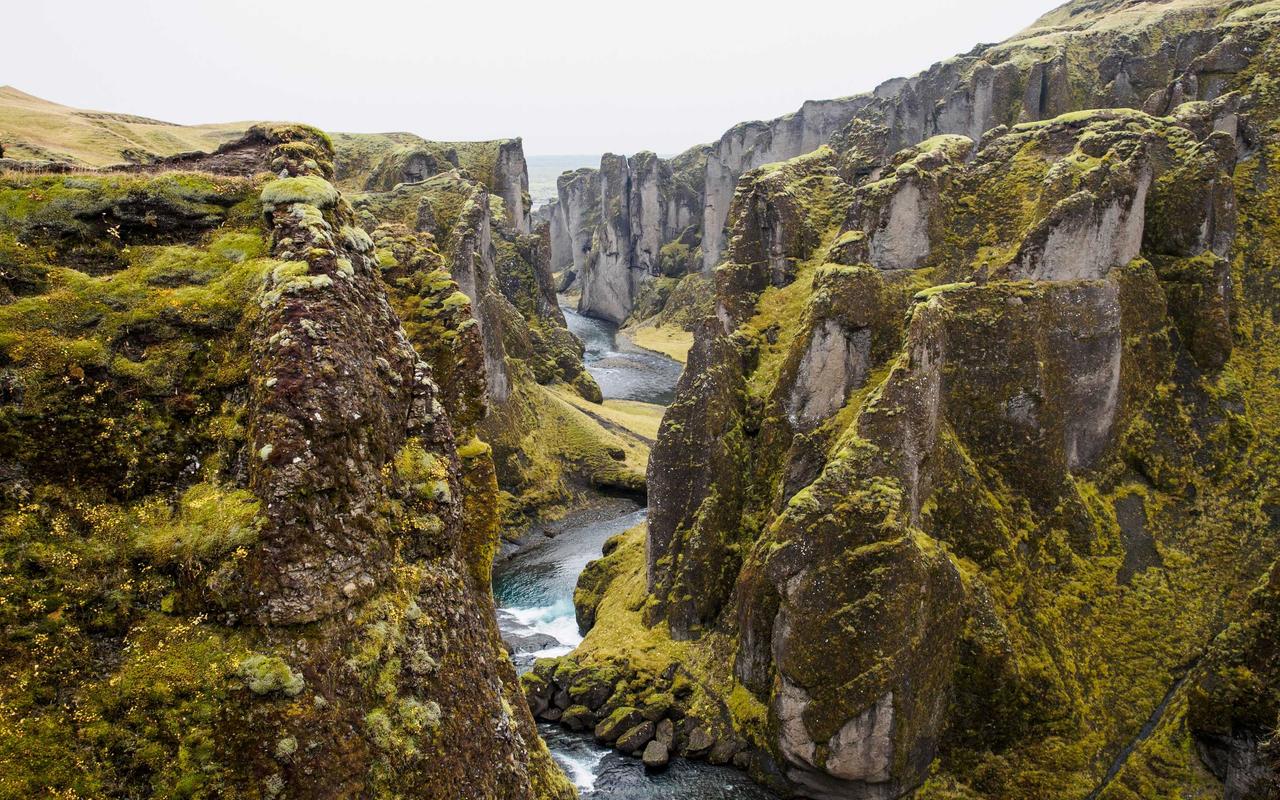



<PhotoAlbum :photos="photos" transition="auto" />Follow keyboard and focus behavior
Open with Enter, navigate with arrow keys, and close with Escape.

<PhotoAlbum :photos="photos" layout="rows" />Opening animation
A FLIP transition measures the thumbnail's first position and the slide's final position, then animates between them. FLIP means First, Last, Invert, Play.
| Mode | Behavior |
|---|---|
auto | Uses FLIP when enough of the thumbnail is visible; otherwise fades. |
flip | Always tries to animate from the thumbnail. |
fade | Cross-fades without moving from the thumbnail. |
none | Opens without a transition. |
auto is the default. autoThreshold defaults to 0.55, which means at least
55 percent of the thumbnail must be visible. Raise the threshold when movement
from partly hidden thumbnails is distracting.
Closing returns to the original visible thumbnail when possible. It fades when that thumbnail is gone or outside the viewport.
Keyboard controls
| Key | Action |
|---|---|
Escape | Close and restore focus to the opening control. |
ArrowRight | Show the next photo, or pan when the current image is zoomed. |
ArrowLeft | Show the previous photo, or pan when zoomed. |
Home | Show the first photo. |
End | Show the last photo. |
z | Toggle the secondary zoom level. |
Tab | Move through the lightbox controls. |
Right-to-left direction reverses directional navigation. Text fields, text
areas, selects, and editable content keep their keyboard input. Other controls
receive the event before the lightbox. Call event.preventDefault() from a
custom control when it must suppress a built-in shortcut such as Escape, an
arrow key, Home, End, or z.
Pointer gestures
Dragging moves a zoomed image. A horizontal drag at the fitted scale can settle on the previous or next photo. Pinch and wheel input change zoom where the device supports them.
Reduced motion
Nuxt Photo observes prefers-reduced-motion. It replaces movement-heavy
transitions with a short fade and reacts when the preference changes. Custom
lightbox content must provide its own reduced-motion treatment.
Use native buttons for custom controls and retain visible focus styles. The primitives guide shows the lower-level structure.